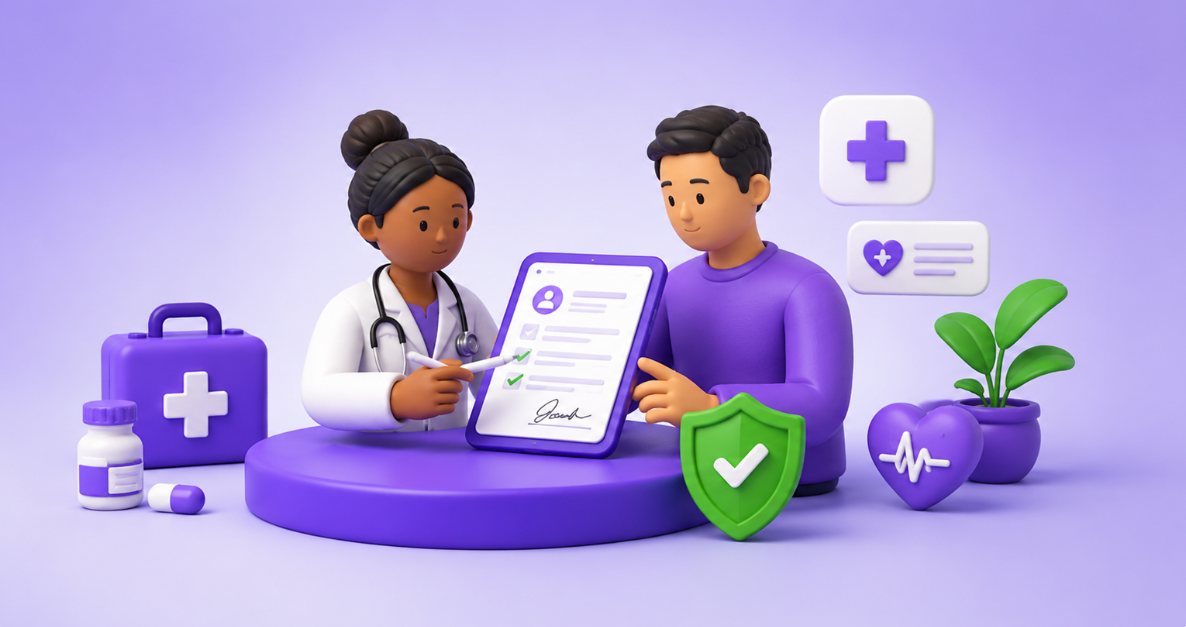
Make patient forms and approvals easier to complete, track, and protect
Healthcare organizations manage a constant flow of consent forms, intake documents, treatment authorizations, staff approvals, and vendor agreements. When these processes rely on paper, email attachments, or disconnected systems, delays and incomplete records can affect both patient experience and administrative efficiency.
A well-designed digital signature workflow gives patients, clinicians, and administrative teams a clearer way to review and complete documents while preserving an accurate record of each action. The objective is not simply to replace handwriting with an electronic mark. It is to create a controlled process around identity, access, document integrity, routing, reminders, and retention.
The operational problem
Why healthcare paperwork often becomes a bottleneck
Incomplete patient forms
Patients may miss fields, sign the wrong page, or return a document without the required date or acknowledgement. Staff then spend additional time following up before care or administration can move forward.
Manual routing between departments
A document may need review from reception, nursing, a physician, billing, compliance, or another department. Email-based routing makes ownership and current status difficult to see.
Limited visibility
Teams often know that a document was sent, but not whether it was opened, completed, declined, or left waiting. This creates avoidable phone calls and duplicate requests.
Fragmented record storage
Signed copies may be stored in inboxes, shared drives, local folders, or paper files. Fragmentation makes retrieval slower and increases the risk of using an outdated version.
Document opportunities
Healthcare documents that can benefit from digital signatures
Patient-facing documents
- Patient registration and intake forms
- Consent for treatment or procedures
- Telehealth consent and acknowledgements
- Privacy notices and policy acknowledgements
- Release-of-information authorizations
- Financial responsibility forms
Clinical and administrative documents
- Referral and authorization forms
- Care-plan approvals
- Internal policy acknowledgements
- Supplier and service agreements
- Employment and credentialing documents
- Training and compliance confirmations
Start with the right documents
Begin with high-volume forms that follow a repeatable process and cause visible delays. Avoid digitizing a poor workflow exactly as it exists. First remove unnecessary steps, clarify ownership, and standardize the approved document version.
Patient experience
A simple digital signing journey for patients
Receive a secure request
The patient receives a clear email or secure link explaining which document requires attention, why it is needed, and when it should be completed.
Review on any device
The form opens in a mobile-friendly experience without requiring unnecessary software. Required fields, checkboxes, initials, and signatures are clearly identified.
Verify and complete
The workflow applies the appropriate authentication method and prevents submission until required information has been completed.
Route and store automatically
Once completed, the document is routed to the correct team, recorded with supporting evidence, and stored according to the organization’s retention process.
Workflow design
How to structure a reliable healthcare signing process
Use approved templates
Build templates from documents that have already been reviewed by the appropriate clinical, legal, privacy, or compliance stakeholders. Lock standard language and make only the necessary fields editable.
Assign fields to the correct signer
Patient, guardian, clinician, witness, and internal approver fields should be assigned deliberately so each person sees and completes only what belongs to their role.
Set routing rules and reminders
Use signing order where sequence matters. Add reminders and expiration rules that reduce manual follow-up without overwhelming patients or staff.
Connect completion to the next action
A completed consent form should trigger a clear next step, such as notifying the relevant team, updating a workflow status, or sending the final document to an approved repository.
Security and governance
Controls healthcare teams should evaluate
Protection must cover the complete workflow
Security should be assessed across access, authentication, transmission, signing evidence, storage, administration, and retention—not only at the moment a signature is placed.
Practical rollout
A five-step implementation plan
Choose one repeatable workflow
Select a form with high volume, a clear owner, and measurable delays—such as patient intake or a standard consent process.
Map the current process
Document who prepares, reviews, signs, receives, stores, and retrieves the form. Identify duplicate approvals and unclear handoffs.
Configure the digital version
Build the approved template, assign signer fields, set authentication, define routing, and prepare reminders and completion actions.
Pilot with a controlled group
Test the experience with staff and a limited patient group. Review completion rates, usability, support questions, and exceptions.
Measure and expand
Track turnaround time, incomplete forms, follow-up effort, and retrieval speed before extending the model to additional departments and document types.
Move healthcare documents forward with greater clarity
vScrawl can help teams prepare reusable templates, assign fields to patients and staff, configure signing order, send reminders, maintain completion evidence, and organize signed documents within a controlled digital workflow.
The most effective rollout begins with a clearly defined use case and expands after the organization has validated security, usability, ownership, and integration requirements.